en.git.ir
  • Categories
    Loading...
  • Courses
  • Books
  • Articles
  • Blinkist
  • Video
  • Audio
  • Log in | Sign up
  • Language
    • فارسی
    • English
  • Dark/Light Mode
  • Loading...

    • Show Notifications
    • فارسی
    • English
  • Search
  • Log in | Sign up
Computer Design

Substance Designer

25 Courses Follow

Suggested Courses

3ds Max: Substance to Arnold

3ds Max: Substance to Arnold

5.0
(3 ratings) 74,153 learners
2 hours 37 lectures All Levels
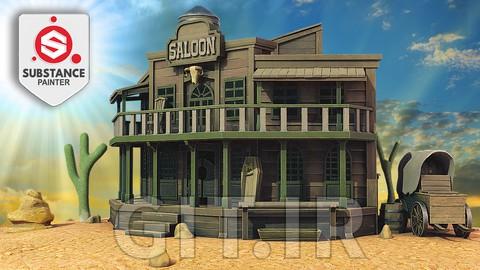
Substance painter 2020 - The complete 3D Texturing course

Substance painter 2020 - The complete 3D Texturing course

4.3
(57 ratings) 6,971 learners
4 hours 38 lectures Beginner
Substance Painter 2019 Essential Training

Substance Painter 2019 Essential Training

4.8
(117 ratings) 6,718 learners
4 hours 39 lectures Beginner
Create a 3D Asset in Blender and Substance Painter

Create a 3D Asset in Blender and Substance Painter

4.5
(155 ratings) 6,094 learners
2 hours 8 lectures All Levels
3ds Max and V-Ray: Residential Interior Materials

3ds Max and V-Ray: Residential Interior Materials

4.9
(7 ratings) 4,526 learners
2 hours 33 lectures Intermediate
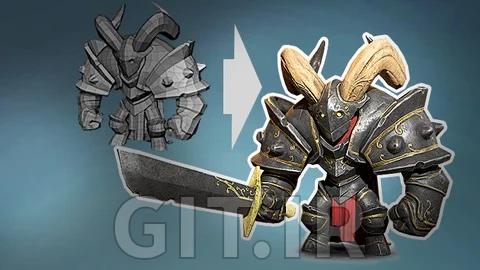
Substance Painter Beginner's Guide to Game Texturing

Substance Painter Beginner's Guide to Game Texturing

4.5
(20 ratings) 2,239 learners
11 hours 54 lectures Beginner
Substance 3D Designer for Beginners

Substance 3D Designer for Beginners

4.1
(138 ratings) 1,818 learners
15 hours 28 lectures Beginner
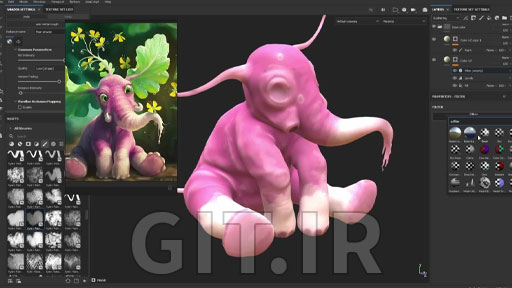
Substance Painter Texturing for Beginners

Substance Painter Texturing for Beginners

3.9
(146 ratings) 1,457 learners
17 hours 33 lectures Beginner
Absolute Beginners Substance Painter course

Absolute Beginners Substance Painter course

4.7
(101 ratings) 1,178 learners
7 hours 20 lectures Beginner
Mastering Substance Painter: Tips and Tricks - Episod 01

Mastering Substance Painter: Tips and Tricks - Episod 01

2.7
(3 ratings) 1,032 learners
3 hours 5 lectures All Levels
Substance Painter 2023 Novice to Pro

Substance Painter 2023 Novice to Pro

4.5
(94 ratings) 768 learners
6 hours 27 lectures All Levels
Create and Animate a Vehicle in Blender & Substance Painter

Create and Animate a Vehicle in Blender & Substance Painter

4.9
(87 ratings) 571 learners
14 hours 90 lectures Beginner
Filters

No category found.

Sort:
Most Relevant Newest Most Popular Highest Rated
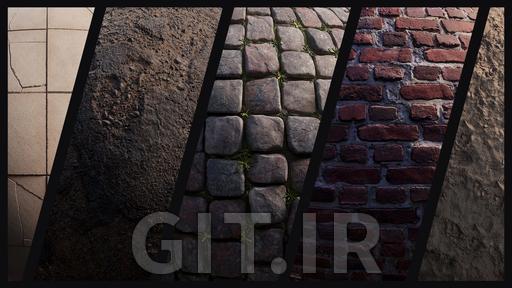
Ultimate Texture Creation Course for Games & Cinematics

Ultimate Texture Creation Course for Games & Cinematics

Ultimate Environmental Texture Creation Course Learn every technique you need to create tileable materials for both games and film all in one course!In this cou...

Ultimate Environmental Texture Creation Course Learn every technique you need to create tileable materials for both games and film all in one course!In this cou...

0.0 (0 ratings) 101 learners
14 hours 48 lectures Beginner
10 months ago
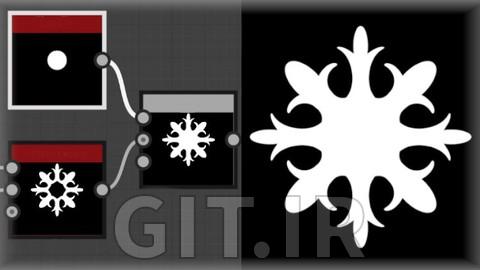
Mastering Mosaic Material: SVG Workflow in SubstanceDesigner

Mastering Mosaic Material: SVG Workflow in SubstanceDesigner

Mastering Procedural Mosaic Textures with SVG in Substance Designer

Mastering Procedural Mosaic Textures with SVG in Substance Designer

1.0 (1 ratings) 16 learners
3 hours 5 lectures All Levels
12 months ago
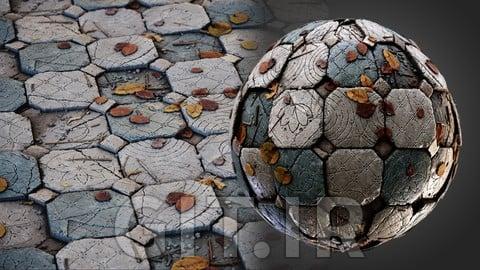
Mastering Broken Tile Type Materials in Substance Designer

Mastering Broken Tile Type Materials in Substance Designer

Create Detailed Tile Broken Textures with Basic Nodes and Techniques

Create Detailed Tile Broken Textures with Basic Nodes and Techniques

5.0 (1 ratings) 10 learners
4 hours 5 lectures All Levels
1 year ago
Creating Broken Roof Tiles in Substance Designer

Creating Broken Roof Tiles in Substance Designer

Mastering Broken Roof Tiles in Substance Designer

Mastering Broken Roof Tiles in Substance Designer

0.0 (0 ratings) 10 learners
3 hours 5 lectures All Levels
1 year ago
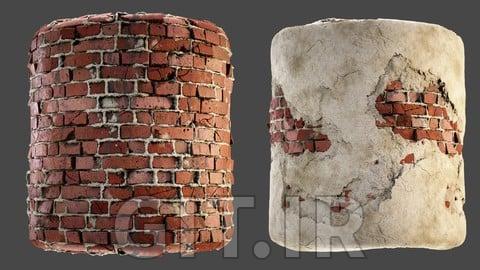
Mastering Brick Materials in Substance Designer

Mastering Brick Materials in Substance Designer

Creating Realistic Brick Walls with Substance Designer

Creating Realistic Brick Walls with Substance Designer

5.0 (3 ratings) 22 learners
3 hours 5 lectures All Levels
1 year ago
Mastering Substance Painter: Tips and Tricks - Episod 01

Mastering Substance Painter: Tips and Tricks - Episod 01

Substance painter tips and tricks

Substance painter tips and tricks

2.7 (3 ratings) 1,032 learners
3 hours 5 lectures All Levels
1 year ago
Speed Texturing :  Realistic Material Creation

Speed Texturing : Realistic Material Creation

Accelerate Your Texturing Workflow and Create Realistic Game Assets Using Substance Painter and Marmoset Toolbag 4

Accelerate Your Texturing Workflow and Create Realistic Game Assets Using Substance Painter and Marmoset Toolbag 4

1.6 (5 ratings) 51 learners
3 hours 5 lectures All Levels
1 year ago
Texturing High-End Fashion and Tactical Assets

Texturing High-End Fashion and Tactical Assets

Advanced Techniques for Texturing Bags, Boots, Caps, and Gloves with Substance Painter and Marmoset Toolbag 4

Advanced Techniques for Texturing Bags, Boots, Caps, and Gloves with Substance Painter and Marmoset Toolbag 4

2.0 (1 ratings) 20 learners
3 hours 5 lectures All Levels
1 year ago
Substance Painter Texturing for Beginners

Substance Painter Texturing for Beginners

learn realistic, hand painted and organic texturing.

learn realistic, hand painted and organic texturing.

3.9 (146 ratings) 1,457 learners
17 hours 33 lectures Beginner
1 year ago
Substance 3D Designer for Beginners

Substance 3D Designer for Beginners

Learn How to Create Material with Substance 3D Designer

Learn How to Create Material with Substance 3D Designer

4.1 (138 ratings) 1,818 learners
15 hours 28 lectures Beginner
1 year ago
Absolute Beginners Substance Painter course

Absolute Beginners Substance Painter course

Learn the basics of Substance Painter, baking and texturing. As a bonus - rendering in Marmoset!

Learn the basics of Substance Painter, baking and texturing. As a bonus - rendering in Marmoset!

4.7 (101 ratings) 1,178 learners
7 hours 20 lectures Beginner
1 year ago
Let us create patterns in Substance Designer!

Let us create patterns in Substance Designer!

The essential source to really learn how to handle the atomic, transforms and adjustments nodes in Substance Designer!

The essential source to really learn how to handle the atomic, transforms and adjustments nodes in Substance Designer!

4.4 (22 ratings) 209 learners
4 hours 12 lectures Beginner
3 years ago
  • 1
  • 2
  • 3
Get Course

Course Info

Language: English
Subtitles: No
Share this page
Telegram WhatsApp X Linkedin Facebook More
Access Course

Please log in to view this lecture.

Login / Register
Add to My Courses

To access this course, please choose one of the options below:

Unlimited Access to Course

Perfect for purchasing individual courses

  • Lifetime access to the course content
  • Stream courses online anytime
  • Download courses for offline viewing
  • Subtitles available in 16+ languages
  • Free access to all future course updates
Price: Free
VIP Subscription

Perfect for multiple courses – ideal for avid learners!

  • Unlimited access to all premium content
  • Stream courses online at your convenience
  • Download courses for offline access
  • Subtitles available in 16+ languages
  • Receive all course updates as they're released
Starting at just €9 per month
VIP Subscription
Add to My Courses

To access this course, please add it to your course list first.

Git Logo

Experience faster and better with the Git app!

Git LogoDownload the Git App

Download Now Download Now
FAQ Contact Us
  • فارسی
  • English
Support

Have any questions? Ask our support team.

Ticket
WhatsApp Telegram
Social Media

Follow Git on social media.

Telegram Channel
Home
Courses
Books
My Learning
Account
این دوره مخصوص اعضای ویژه است.
برای دسترسی به صدها دوره ویژه اشتراک ویژه خود را فعال کنید.
فعالسازی اشتراک ویژه
This lecture does not have any video content. You can find the content for this lecture in the exercise file section.
Upgrade Account

To purchase a premium account, follow these steps:

  1. Choose your plan:
    • 1 Month / €9
    • 3 Months / €24 (11% off)
    • 6 Months / €34 (37% off)
    • 12 Months / €49 (54% off)
  2. Make the payment using this payment link
  3. Create a new ticket and Send the transaction ID to support team.
  4. Your account will be activated upon successful payment.